
If you’re trying to decide between a controller and a keyboard, you’re not alone. Players across competitive and casual scenes constantly debate controller vs keyboard performance, searching for a clear answer on which setup delivers better accuracy, faster reactions, and a true competitive edge. The reality is more nuanced than most forum arguments suggest.
In this article, we break down the mechanics behind input devices, compare real in-game advantages, and examine how aim assist, movement precision, and reaction time factor into performance. Whether you’re optimizing for ranked matches, esports tournaments, or simply improving your daily gameplay, you’ll get practical insights you can apply immediately.
Our analysis is grounded in competitive gameplay data, mechanical breakdowns, and firsthand testing across multiple titles. By the end, you’ll understand not just which option can be stronger in certain scenarios—but which one is right for your specific goals and playstyle.
Functionality Showdown: Precision, Speed, and Input Density
Aiming & Precision
When considering whether a controller or keyboard setup will enhance your gaming performance, it’s also crucial to think about how your choice will impact your Timing and Cooldown Management Strategies in Honzava, allowing you to optimize your gameplay even further.
Let’s start with raw mechanics. A mouse offers superior accuracy because it translates hand movement directly into on-screen motion across a wide surface area. DPI (dots per inch) measures how sensitive the cursor is, while polling rate refers to how often the device reports its position to the PC (typically 500–1000Hz). Higher polling means lower input latency—critical in FPS titles where a single frame decides a headshot.
Some argue controllers have closed the gap with aim assist—and to be fair, aim assist can be strong. However, that’s software compensation. In pure mechanical terms, a full-arm mouse swipe enables micro-adjustments and flick shots that analog sticks, limited by thumb range, struggle to replicate. (There’s a reason most competitive FPS tournaments standardize mouse input.)
Action Speed (APM)
Next, consider APM (Actions Per Minute)—the number of discrete inputs a player performs in 60 seconds. Keyboards allow simultaneous multi-key presses, while controllers rely more on sequential button travel. In MOBAs and RTS games, chaining abilities, camera jumps, and item activations demands layered inputs. That’s why high-APM environments consistently favor keyboard setups.
Critics say controllers feel more ergonomic—and comfort does matter in long sessions. Still, when milliseconds separate victory from defeat, simultaneous actuation beats thumb travel distance.
Input Binding & Customization
Finally, input density. A keyboard offers dozens of unique binds, each instantly accessible. Controllers compensate with hold modifiers or combos, which add cognitive load and delay. In controller vs keyboard performance debates, this flexibility is often overlooked.
If you’re refining your setup, revisit the fundamentals in beginner to pro core gameplay mechanics you must master.
Pro tip: Lower sensitivity plus higher mousepad space often improves consistency more than cranking DPI. (Slow is smooth; smooth is fast.)
The Nuances of Movement and Analog Control
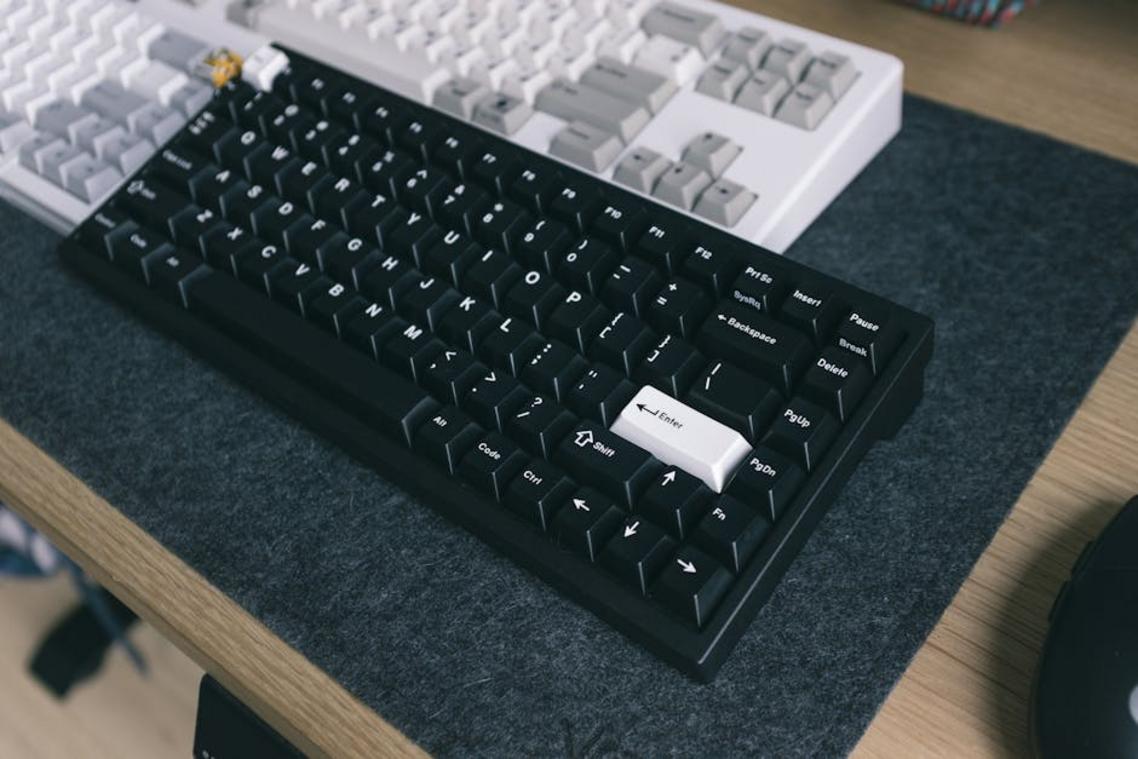
When comparing analog sticks to keyboard inputs, the difference comes down to range versus rigidity. An analog stick offers 360-degree movement with variable speed—meaning your character can creep, jog, or sprint depending on how far you tilt the stick. A keyboard’s WASD keys, by contrast, are binary inputs: either on or off. Movement typically locks into eight directions with fixed speed.
Side by side, the distinction is clear:
- Analog stick: Variable speed, smooth directional control, pressure-sensitive input
- Keyboard (WASD): 8-directional movement, fixed speed, instant actuation
This technical divide shapes how games feel.
Where Analog Shines
Analog control thrives in genres where nuance matters. In racing simulators, gradual throttle input prevents spinning out of corners (think feathering the gas instead of flooring it). In platformers, lightly tilting the stick allows careful positioning on narrow ledges. Third-person action games benefit from smooth character navigation, especially when weaving through tight spaces or circling enemies.
Critics argue keyboards offer sharper responsiveness—and for competitive strafing, they often do. But responsiveness isn’t the same as modulation. Analog excels when games demand subtlety over snap precision.
The Aim Assist Factor
First-person shooters highlight the debate around controller vs keyboard performance. A mouse provides pixel-precise aiming due to high DPI tracking. Analog sticks lack that raw precision, which is why developers implement aim assist—a system that slightly slows crosshairs near targets or subtly adjusts tracking to maintain fairness in cross-platform play.
Some claim aim assist overcompensates. Others argue it simply offsets hardware limits. In reality, it’s a balancing tool—not a shortcut—designed to make two fundamentally different input methods competitive without declaring one superior.
User Experience: Ergonomics, Comfort, and Accessibility
I once lost an entire Saturday to a strategy game marathon—first at my desk, then sprawled on the couch with a controller. The difference in how my body felt was striking. With a keyboard and mouse, I leaned forward in a rigid, “locked-in” posture (you know the one), shoulders tense and wrists angled upward. By hour four, my forearms were buzzing—a classic sign of RSI (repetitive strain injury), which refers to pain caused by repeated motion and poor positioning (Mayo Clinic, 2023). In contrast, the controller encouraged a relaxed, lean-back posture that reduced wrist extension but shifted strain to thumbs.
That said, some argue desks are more “ergonomic” because of adjustable chairs and wrist rests. Fair point. However, comfort often depends less on gear and more on duration and posture habits.
Ease of Use & Learning Curve
Controllers feel intuitive because of their standardized layout and tactile feedback. Buttons are spatially grouped, so muscle memory builds quickly. Meanwhile, keyboard layouts vary, which can complicate controller vs keyboard performance debates for beginners.
Accessibility Options
Importantly, both platforms are evolving:
| Feature | Controller | Keyboard & Mouse |
|---|---|---|
| Adaptive hardware | Modular adaptive pads |
Custom key remapping |
| Mobility support | One-handed layouts | Eye-tracking compatibility |
Pro tip: Rotate input styles during long sessions to reduce cumulative strain.
The Right Tool for the Job: Genre-Specific Recommendations
I learned this the hard way after getting absolutely wrecked in an online shooter because I insisted on using a controller. That match sparked my obsession with controller vs keyboard performance.
Where Each Input Shines
First, Keyboard & Mouse Dominance: First-Person Shooters (FPS), Real-Time Strategy (RTS), MOBAs, and MMORPGs reward precision and hotkey speed. Flick shots and rapid unit cycling just feel natural here.
Meanwhile, Controller Superiority: Racing Sims, Sports Games, Fighting Games, and most Third-Person Action/Adventure titles benefit from analog movement and smoother inputs.
Then there are The Hybrids: titles like Destiny 2 or Warframe, where preference often wins. Ultimately, comfort fuels consistency.
You came here to get clarity on the real differences in controller vs keyboard performance — and now you have it.
You’ve seen how precision, movement control, reaction speed, aim assist, customization, and comfort all impact your gameplay. Whether you’re grinding ranked, pushing for tournament-level consistency, or just trying to win more daily matchups, understanding these differences gives you a competitive edge.
The frustration of missed shots, slow turns, or inconsistent mechanics isn’t random. It’s often your input setup holding you back. And ignoring that gap can cost you wins.
Now it’s time to act.
Test your setup. Track your accuracy, reaction time, and movement efficiency over a week. Make adjustments based on your playstyle — not trends. If you’re serious about climbing, optimizing your input method is one of the fastest performance upgrades available.
Thousands of competitive players rely on our daily optimization guides and esports breakdowns to sharpen mechanics and win more matches. Don’t stay stuck with avoidable mistakes.
Dive into our latest performance guides, apply the tweaks, and start dominating your next session today.
 Gameplay Optimization Specialist
Dorisandiva Leen writes the kind of esports strategy breakdowns content that people actually send to each other. Not because it's flashy or controversial, but because it's the sort of thing where you read it and immediately think of three people who need to see it. Dorisandiva has a talent for identifying the questions that a lot of people have but haven't quite figured out how to articulate yet — and then answering them properly.
They covers a lot of ground: Esports Strategy Breakdowns, Honzava Competitive Mechanics, Frontline Gaming Buzz, and plenty of adjacent territory that doesn't always get treated with the same seriousness. The consistency across all of it is a certain kind of respect for the reader. Dorisandiva doesn't assume people are stupid, and they doesn't assume they know everything either. They writes for someone who is genuinely trying to figure something out — because that's usually who's actually reading. That assumption shapes everything from how they structures an explanation to how much background they includes before getting to the point.
Beyond the practical stuff, there's something in Dorisandiva's writing that reflects a real investment in the subject — not performed enthusiasm, but the kind of sustained interest that produces insight over time. They has been paying attention to esports strategy breakdowns long enough that they notices things a more casual observer would miss. That depth shows up in the work in ways that are hard to fake.
Gameplay Optimization Specialist
Dorisandiva Leen writes the kind of esports strategy breakdowns content that people actually send to each other. Not because it's flashy or controversial, but because it's the sort of thing where you read it and immediately think of three people who need to see it. Dorisandiva has a talent for identifying the questions that a lot of people have but haven't quite figured out how to articulate yet — and then answering them properly.
They covers a lot of ground: Esports Strategy Breakdowns, Honzava Competitive Mechanics, Frontline Gaming Buzz, and plenty of adjacent territory that doesn't always get treated with the same seriousness. The consistency across all of it is a certain kind of respect for the reader. Dorisandiva doesn't assume people are stupid, and they doesn't assume they know everything either. They writes for someone who is genuinely trying to figure something out — because that's usually who's actually reading. That assumption shapes everything from how they structures an explanation to how much background they includes before getting to the point.
Beyond the practical stuff, there's something in Dorisandiva's writing that reflects a real investment in the subject — not performed enthusiasm, but the kind of sustained interest that produces insight over time. They has been paying attention to esports strategy breakdowns long enough that they notices things a more casual observer would miss. That depth shows up in the work in ways that are hard to fake.