
Most gamers fixate on a single number: average frames per second (FPS). But that stat alone doesn’t guarantee smooth gameplay. A high average can still hide micro-stutters, frame pacing issues, and sudden drops that cost you critical moments in competitive matches. This guide goes beyond surface-level benchmarks to break down the real metrics esports professionals and hardware testers rely on. You’ll learn how to interpret frame data analysis, including frame times and percentile lows, so you can spot hidden performance problems and fine-tune your system for consistently smooth, responsive gameplay—not just impressive-looking averages.
The Flaw in Averages: Why High FPS Can Still Feel Choppy
By grasping the nuances of frame data, players can not only enhance their tactical decisions in competitive matches but also avoid common pitfalls, which are explored in our article on ‘Common Gameplay Mistakes and How to Fix Them Fast.’
Last year, I upgraded my GPU and proudly watched my counter hover around 140 FPS. On paper, it looked buttery smooth. In reality, my aim felt off and camera pans had a subtle hitch (the kind that makes you question your sanity). That’s when I learned the flaw in averages.
Average FPS—total frames rendered divided by seconds played—sounds definitive. However, averages hide extremes. If your system runs at 120 FPS for one second and 20 the next, the math says 70 FPS. Your eyes say, “Why did that just stutter?”
This is where frame time matters. Frame time, measured in milliseconds (ms), is the time required to render each individual frame. For true smoothness, those milliseconds must be consistent. A steady 8.3 ms per frame (about 120 FPS) feels fluid. Spikes to 30 ms create visible hitches, even if your average remains high.
During frame data analysis, I noticed sharp frame time spikes whenever background apps updated. Once fixed, gameplay immediately felt responsive.
Some argue that high FPS alone guarantees smoothness. I disagree. Just like in competitive play—see timing windows and cooldown management explained—consistency beats raw numbers. Ultimately.
Visualizing Stability: How to Read and Interpret Frame Time Graphs
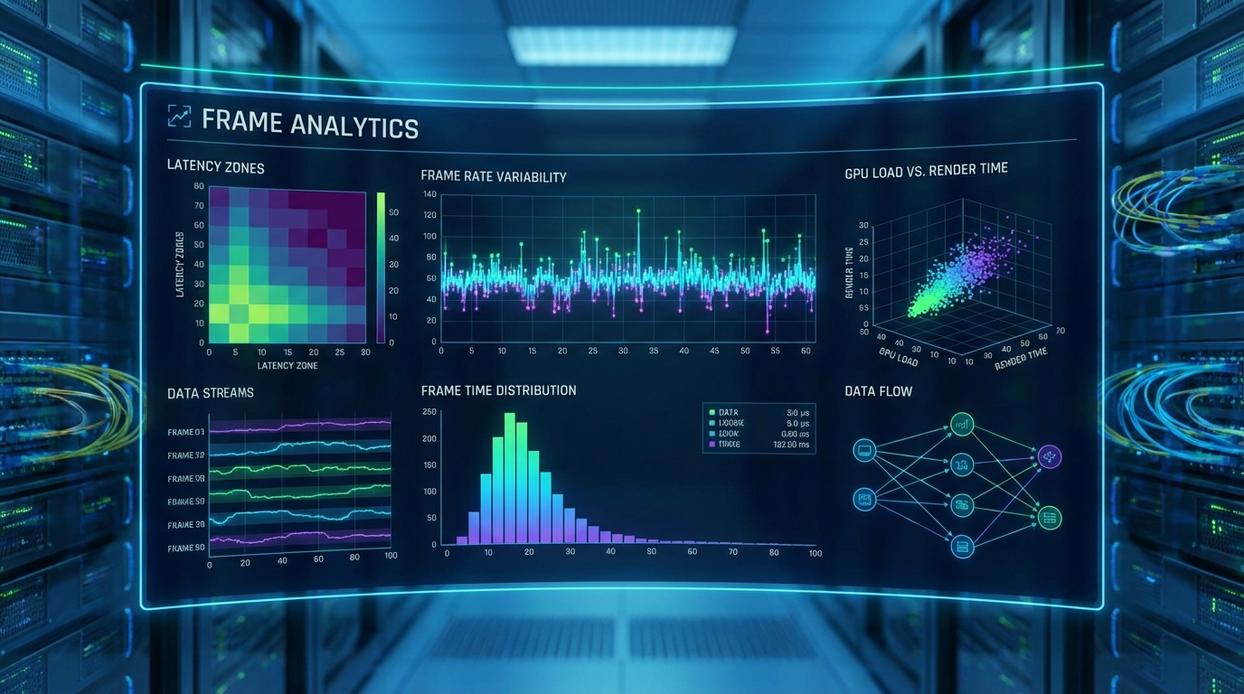
A frame time graph is one of the clearest ways to understand game performance. Instead of showing frames per second (FPS), it shows how long each individual frame takes to render. The Y-axis measures time (usually in milliseconds), and the X-axis tracks gameplay duration.
Here’s the key clarification: FPS tells you how many frames are displayed each second. Frame time tells you how evenly those frames are delivered. And consistency is what your eyes actually notice.
What a “Good” Graph Really Means
The ideal graph looks almost flat and low. That flatness means each frame arrives at a steady interval—like a drummer keeping perfect tempo. For example, at 60 FPS, each frame should take about 16.7 milliseconds. If that number stays consistent, gameplay feels smooth (think cinematic camera pans, not slideshow chaos).
Now the opposite.
A problematic graph shows sharp vertical spikes. A spike means one frame took much longer to render than the others. That delay is what you feel as a stutter or hitch. Even if your FPS counter says 120, those spikes ruin perceived smoothness. It’s like a streaming show buffering for half a second—technically still playing, but immersion broken.
This is where frame data analysis becomes powerful. Instead of guessing, you’re seeing the instability.
To generate your own graphs, use tools like MSI Afterburner with RivaTuner Statistics Server, CapFrameX, or OCAT. These programs record real-time performance and visualize it clearly.
Pro tip: Record at least 60 seconds of consistent gameplay. Short clips can hide recurring spikes.
The Competitive Metrics: Understanding 1% and 0.1% Lows
Average FPS looks impressive on a spec sheet. But averages can lie (or at least stretch the truth). That’s where percentile lows come in. They show the worst-case performance you’ll realistically feel during a match.
What are 1% Lows?
This metric takes all your recorded frame rates, removes the best 99%, and averages the remaining worst 1%. In plain English: it shows how your system behaves during the most chaotic moments—smoke grenades, ult dumps, particle effects everywhere. If you’re doing frame data analysis, this number often tells you more about smoothness than your average FPS ever will.
What are 0.1% Lows?
Now we’re getting ruthless. This averages the worst 0.1% of frames. It highlights micro-stutters and sudden hitches—the kind that make you miss a headshot and question your life choices.
Why does this matter in esports?
- High averages with terrible lows feel inconsistent
- Stable lows preserve muscle memory timing
- Fewer dips mean clearer tracking in clutch moments
A system running 180 average FPS but 40 FPS 1% lows is competitively weaker than 144 average FPS with 100 FPS 1% lows. Stability wins tournaments.
Now, I’ll admit something: not everyone agrees on how much 0.1% lows matter. Some argue they exaggerate rare spikes. And in certain titles, that’s partially true. But in fast-twitch shooters, even brief drops can break rhythm (think of it like lag in a fighting game—one hitch changes everything).
Pro tip: prioritize consistent frame pacing over chasing flashy peak numbers.
From Data to Dominance: Actionable Optimization Hacks
I remember the first time my game felt “off” during a ranked match—smooth average FPS, yet random stutters at the worst moments. That’s when I started using frame data analysis instead of blindly lowering settings. Immediately, patterns emerged.
For example:
- Large, consistent spikes? I reduced CPU-bound settings like object detail and physics.
- Strong average FPS but weak 1% lows? I checked VRAM usage and texture streaming.
As a result, performance stabilized. Instead of guessing, I adjusted with purpose. In other words, smart tweaks beat panic changes every time.
Mastering Your Machine’s Performance Narrative
You set out to understand what your machine is really capable of—and now you can see beyond average FPS to the truth hidden in every spike and dip. The stutters, input delays, and unexplained drops that once held you back don’t have to define your gameplay anymore. With frame data analysis, 1% lows, and 0.1% lows in your toolkit, you’re equipped to turn inconsistent performance into smooth, competitive precision.
But knowledge only matters if you use it. Don’t settle for choppy matches or missed plays caused by poor optimization. Start tracking your frame times today, apply targeted tweaks, and push your rig to its full potential. Level up your performance—analyze smarter, optimize harder, and dominate every session.
 Gameplay Optimization Specialist
Dorisandiva Leen writes the kind of esports strategy breakdowns content that people actually send to each other. Not because it's flashy or controversial, but because it's the sort of thing where you read it and immediately think of three people who need to see it. Dorisandiva has a talent for identifying the questions that a lot of people have but haven't quite figured out how to articulate yet — and then answering them properly.
They covers a lot of ground: Esports Strategy Breakdowns, Honzava Competitive Mechanics, Frontline Gaming Buzz, and plenty of adjacent territory that doesn't always get treated with the same seriousness. The consistency across all of it is a certain kind of respect for the reader. Dorisandiva doesn't assume people are stupid, and they doesn't assume they know everything either. They writes for someone who is genuinely trying to figure something out — because that's usually who's actually reading. That assumption shapes everything from how they structures an explanation to how much background they includes before getting to the point.
Beyond the practical stuff, there's something in Dorisandiva's writing that reflects a real investment in the subject — not performed enthusiasm, but the kind of sustained interest that produces insight over time. They has been paying attention to esports strategy breakdowns long enough that they notices things a more casual observer would miss. That depth shows up in the work in ways that are hard to fake.
Gameplay Optimization Specialist
Dorisandiva Leen writes the kind of esports strategy breakdowns content that people actually send to each other. Not because it's flashy or controversial, but because it's the sort of thing where you read it and immediately think of three people who need to see it. Dorisandiva has a talent for identifying the questions that a lot of people have but haven't quite figured out how to articulate yet — and then answering them properly.
They covers a lot of ground: Esports Strategy Breakdowns, Honzava Competitive Mechanics, Frontline Gaming Buzz, and plenty of adjacent territory that doesn't always get treated with the same seriousness. The consistency across all of it is a certain kind of respect for the reader. Dorisandiva doesn't assume people are stupid, and they doesn't assume they know everything either. They writes for someone who is genuinely trying to figure something out — because that's usually who's actually reading. That assumption shapes everything from how they structures an explanation to how much background they includes before getting to the point.
Beyond the practical stuff, there's something in Dorisandiva's writing that reflects a real investment in the subject — not performed enthusiasm, but the kind of sustained interest that produces insight over time. They has been paying attention to esports strategy breakdowns long enough that they notices things a more casual observer would miss. That depth shows up in the work in ways that are hard to fake.